Watch the swing.
Follow the crane and tap to release the block. Timing makes the difference between a perfect landing and a missed opportunity.

Easy to start. A challenge to master.
Release each block at the right moment and land it on the tower below. Careful placement keeps your skyline standing. A little too far to either side, and your next record could come crashing down.
Follow the crane and tap to release the block. Timing makes the difference between a perfect landing and a missed opportunity.
Keep your floors aligned as the tower grows. Perfect placements build towards a bonus attempt.
Build one floor higher, then try again. Your personal best is saved on your device for each difficulty level.
Choose your skyline
From rain-soaked streets to gardens in the sky: choose your city backdrop and make every run your own.
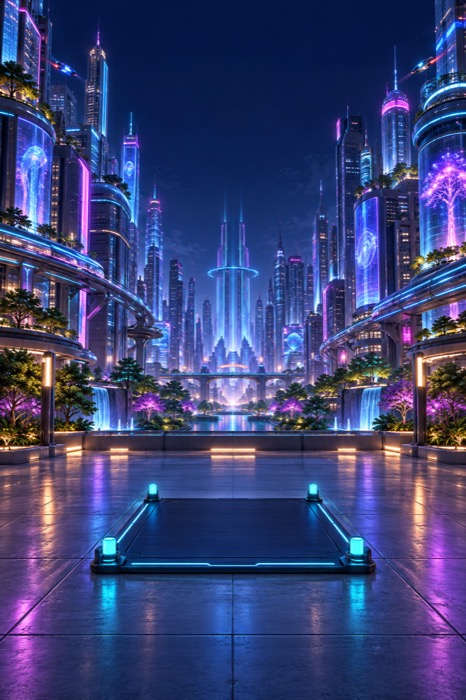
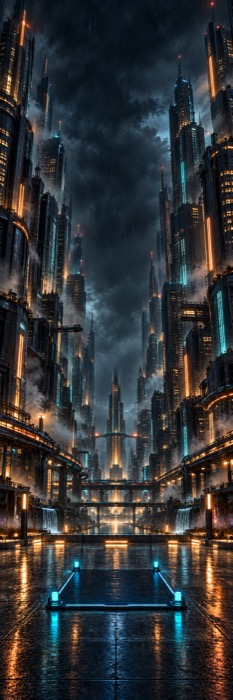
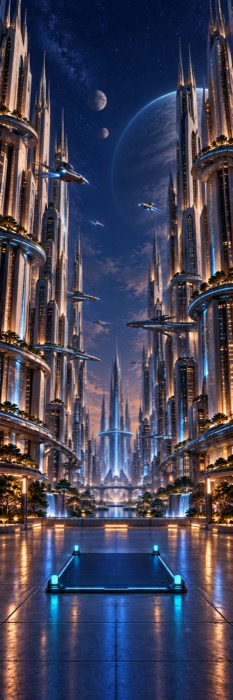

Original in-game backgrounds. Artwork shown without the gameplay interface.
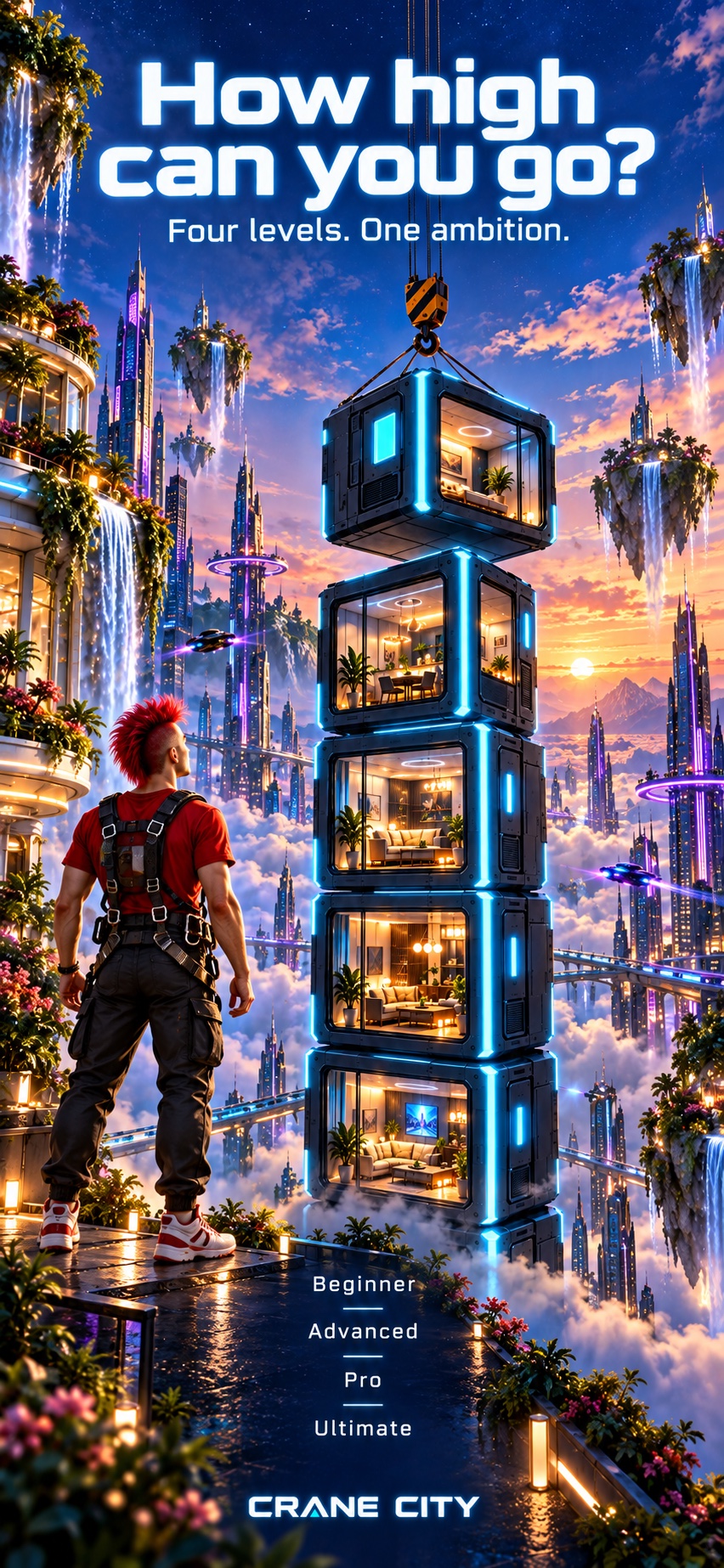
Set your challenge
A steady pace to learn the timing. Adjust the speed when you want an extra challenge.
The crane gradually speeds up with every floor. Keep your rhythm as your tower rises.
A faster pace from the very first block. Bring your best timing.
Fast from the start, with increasing wind from floor 15. Stay focused and hold your balance.
Yes. Gameplay, settings and personal bests work offline. Opening the website or contacting support requires a connection.
Choose a city backdrop and blue, red, green, white or mixed building colours. Adjust sound, vibration and vibration strength, and enable optional wind for an extra challenge.
Personal bests are stored locally on your device, separately for each difficulty level. No account is required.
Your game. Your device.
No account, no in-game advertising and no tracking SDKs. Your personal bests and preferences stay in the app’s local storage.
Read the Privacy Policy ↗Support & contact
Send your iPhone model, iOS version and a short description of what happened. Please avoid including personal information in screenshots.
support@no-domain.ch ↗